
-
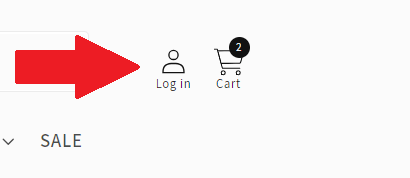
Tap "Log In" at the top-right corner of the webpage.
-
Input your email and password, then tap "Sign In."
If you encounter an error message despite entering the correct password, you may need to activate your account. Here's what to do:
-
Tap "Create Account."
-
Input your information as required, then tap "Create."
-
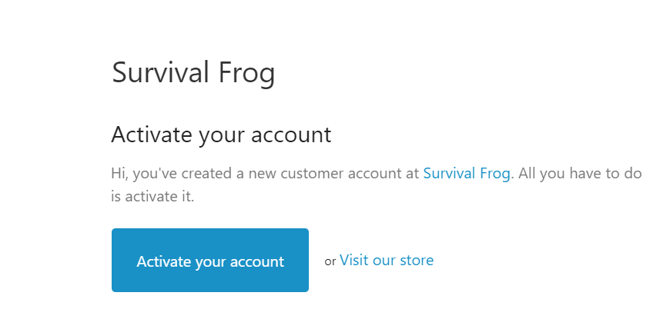
You'll receive an email with the subject "Customer account activation." Tap "Activate your account."
That's it! You're now ready to access your account hassle-free.
If you have any further questions or encounter any issues, don't hesitate to reach out to our support team for assistance. 🐸